
Information
Best Smart Home Devices for 2026: A UK Buyer’s Guide
Updated October 2026 · Meteor Electrical guides · 10 min read
Quick answer: The best smart home devices for 2026 are the ones that solve a real problem: smart plugs and sockets for easy control, smart heating controls and TRVs for comfort and efficiency, smart heaters, smart lighting, interlinked alarms and smart EV chargers. Choose devices that work with your chosen app or voice assistant, and use a qualified electrician for anything hardwired.
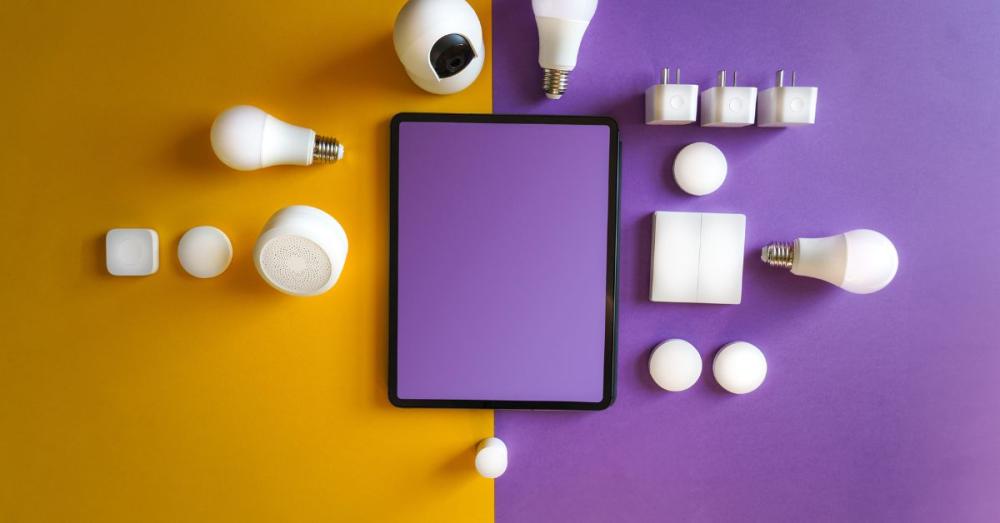
Smart home technology is now practical, affordable and easy to add room by room. This guide covers the best smart home devices for UK and Irish homes in 2026, what each one is good for, how Wi-Fi, Zigbee and Matter differ, and which devices you can fit yourself. Every product we mention is one we stock, so you can browse our full smart home and smart heating range.
In this guide
- What makes a smart home device worth buying?
- Wi-Fi vs Zigbee vs Matter: which do you need?
- Smart plugs and extension leads
- Smart sockets and switches
- Smart thermostats and heating controls
- Smart radiator valves (TRVs)
- Smart heaters and electric radiators
- Smart lighting
- Alarms, cameras and doorbells
- Smart EV chargers
- Which devices can you install yourself?
- FAQs
What makes a smart home device worth buying?
The best home automation devices are the ones you will use every day. Before you buy, check:
- Compatibility: does it work with your app or voice assistant, such as Alexa, Google Home or Apple Home?
- Connection: does it need Wi-Fi, a hub or just Bluetooth? See the table below.
- Installation: is it plug-in, or does it connect to fixed wiring and need an electrician?
- Useful features: schedules, energy monitoring, away modes and manual control if the internet drops.
- Support: a recognised brand with a working app and a manufacturer warranty.
Video: a guide to starting and growing a smart home. Credit: Smart Home Solver on YouTube.
Wi-Fi vs Zigbee vs Matter: which do you need?
Smart devices talk to each other and to your phone in different ways. You do not need to understand the details, but it helps to know what each one needs.
| Technology | How it connects | Good to know |
|---|---|---|
| Wi-Fi | Straight to your home router, usually on 2.4GHz | No hub needed; needs a good signal where the device is; many devices can crowd a basic router |
| Bluetooth | Directly to a phone, tablet or remote nearby | Simple and local; short range, and usually no control away from home without a bridge |
| Zigbee and Z-Wave | Low-power mesh network through a hub or bridge | Reliable and good for battery devices; needs a compatible hub |
| Thread | Low-power mesh through a Thread border router | Often used with Matter; some speakers and hubs act as the border router |
| Matter | A standard that runs over Wi-Fi, Ethernet or Thread | Certified devices work across Apple Home, Google Home, Alexa and other platforms |
| RF (radio frequency) | Dedicated radio link between paired devices | Used by kinetic switches and interlinked alarms; works without Wi-Fi |
Matter is an industry standard backed by Apple, Google, Amazon, Samsung and many others. A Matter-certified device should work with any Matter platform, which makes it easier to mix brands. Many popular devices still use their own app over Wi-Fi or Bluetooth, which is fine if you are happy to stay with one app or a voice assistant that supports it. Always check the product details for the platforms it supports.
Pro tip: Most smart plugs, sockets and heaters only work on 2.4GHz Wi-Fi. If your router combines 2.4GHz and 5GHz under one name and a device will not pair, check the router settings or the device instructions.
Smart plugs and extension leads
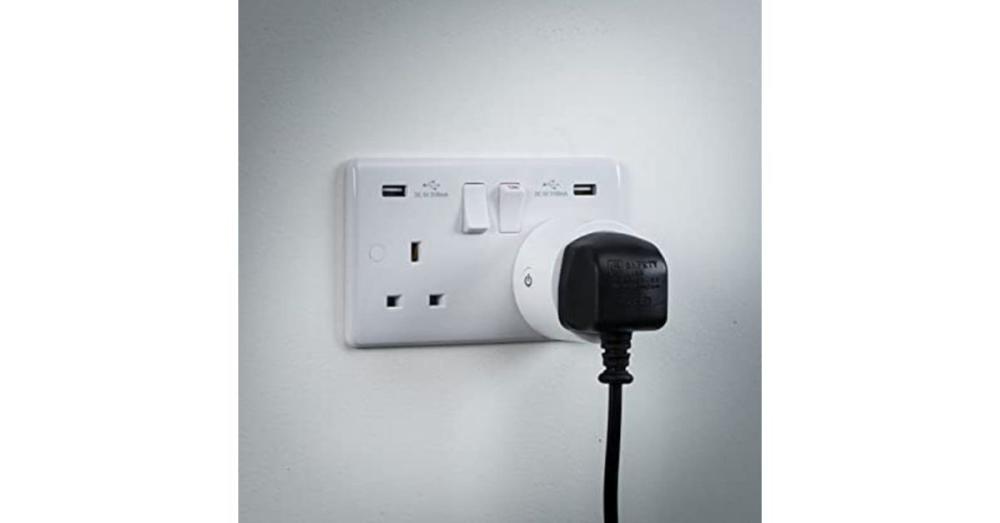
A smart plug is the easiest way to start a smart home. It fits an existing socket and lets you switch a lamp, fan or appliance from your phone, set schedules and, on many models, monitor energy use.
- The Knightsbridge smart plug works with the Knightsbridge app and can run schedules, which makes it a simple replacement for an old plug-in timer.
- The Knightsbridge smart 3-gang extension lead adds surge protection and four USB charging ports, useful for a TV or desk setup.
Do not use a smart plug for high-load appliances left running unattended unless the manufacturer says it is suitable, and never daisy-chain plugs or adaptors.
Smart sockets and switches
A hardwired smart socket or switch replaces a standard accessory and gives you app and voice control without a plug-in adaptor. Browse our smart switches and sockets:
- The Knightsbridge 13A 2-gang smart switched socket controls each outlet from the app, with schedules and power monitoring. It works with Alexa and Google Assistant.
- The Knightsbridge smart IP66 outdoor socket brings the same control to garden lighting, pumps and outdoor power.
- The Timeguard Wi-Fi controlled fused spur uses the Tuya app to schedule fixed appliances such as towel rails and water heaters.
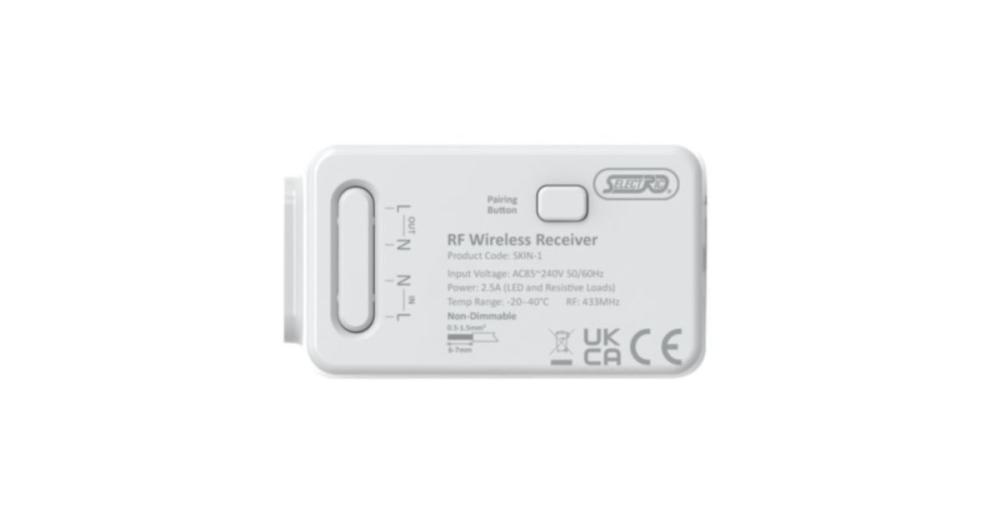
- The Selectric kinetic smart RF and Wi-Fi receiver pairs with battery-free kinetic switches and adds app control through Tuya and Smart Life.
Kinetic switches are a good retrofit choice where running new switch cable would mean chasing walls. See our kinetic wireless switches buying guide, our wider smart home range and our smart switch installation guide for neutral wire and load checks.
Smart thermostats and heating controls
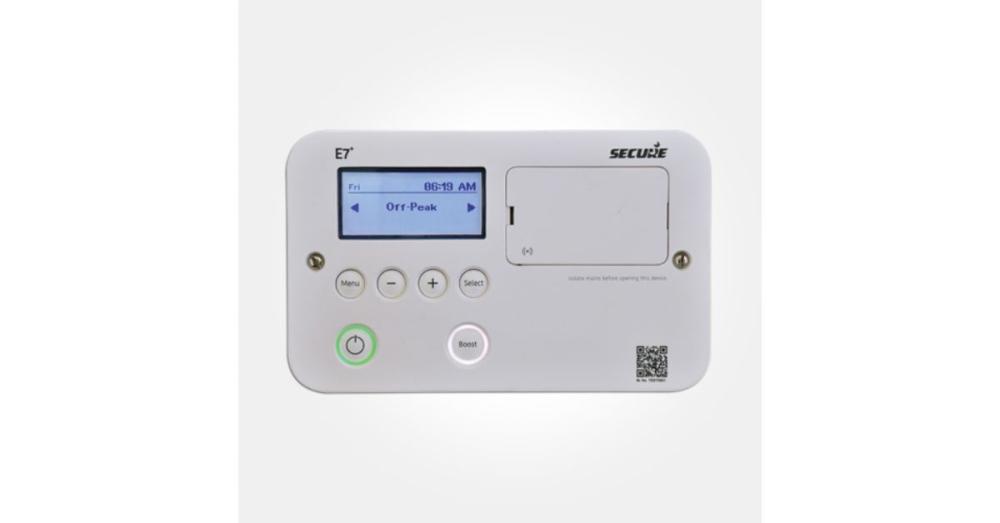
Heating is the largest energy use in most UK homes, so better heating control is often the most valuable smart upgrade. A smart or programmable thermostat lets you set schedules, adjust the temperature remotely and avoid heating an empty house. Browse our smart heating controls:
- The Secure 2-channel receiver with programmable thermostat display controls heating and hot water, offers app control and remote access with a Wi-Fi adaptor, and is Boiler Plus compliant.
- The Heat My Home 16A Wi-Fi underfloor heating thermostat controls electric underfloor heating from its companion app.
- The Secure smart immersion heater control schedules an immersion heater over Bluetooth, with a Wi-Fi adaptor for full remote control, which suits off-peak tariffs.
For a deeper look, read how smart heating controls can help reduce heating costs.
Smart radiator valves (TRVs)
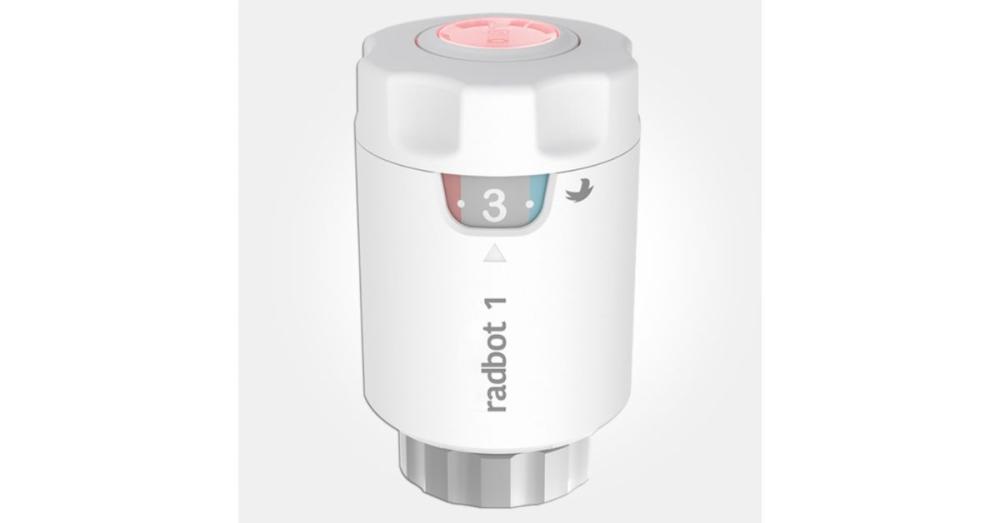
Thermostatic radiator valves let you set a different temperature in each room. Smart TRVs add schedules and, on some systems, app control, so spare rooms are not heated all day.
The Secure intelligent thermostatic radiator valve is an electronic, programmable TRV with frost protection, intelligent pre-heat and a quiet night mode. It runs on two AA batteries and does not need Wi-Fi or an app, so it is a simple option for room-by-room control. It works with wet central heating systems, including gas and oil boilers and heat pumps.
Check that a TRV suits your radiator valve bodies before you buy, and keep at least one radiator without a TRV, or with a bypass, where your boiler needs it.
Smart heaters and electric radiators
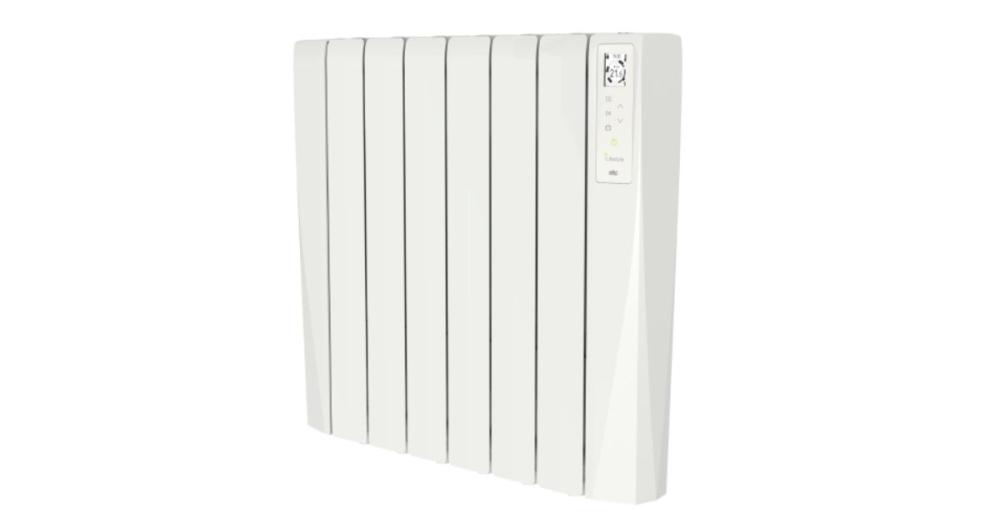
Smart electric heaters heat rooms individually, with app schedules and eco modes. They suit homes without central heating, extensions, garden rooms, flats and holiday lets. Browse our smart heaters:
- ATC Almeria Eco Wi-Fi panel heaters: slim, Wi-Fi controllable digital panel heaters from 750W to 2kW, in white or black.
- ATC iLifestyle smart radiators: wall-mounted electric thermal radiators with built-in Wi-Fi and the iLifestyle app, from 500W to 1800W, with comfort, eco and frost modes.
- Masterplug SmartEnergy Breeze: a portable 1500W Wi-Fi ceramic heater and fan.
For more detail, see our guides to the best smart electric radiators and what a smart radiator is.
Smart lighting
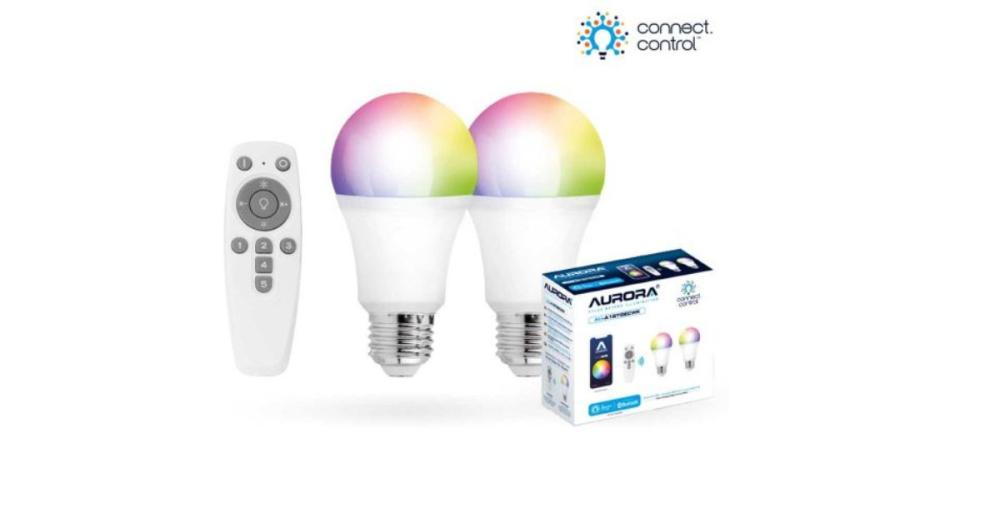
Smart lighting lets you dim, change colour temperature and set scenes or schedules. Smart bulbs are the simplest option, while smart downlights suit new ceilings and renovations. Browse our smart lighting:
- The AOne smart kit with two B22 Bluetooth smart lamps and a remote needs no hub: fit the bulbs and control them straight away. E27 and GU10 smart lamps are also available.
- The smart RGB+W Wi-Fi downlight is dimmable, IP54 rated and works with Alexa and Google.
Smart bulbs need power at all times, so leave the wall switch on and use the app or remote, or pair them with a compatible smart switch.
Alarms, cameras and doorbells
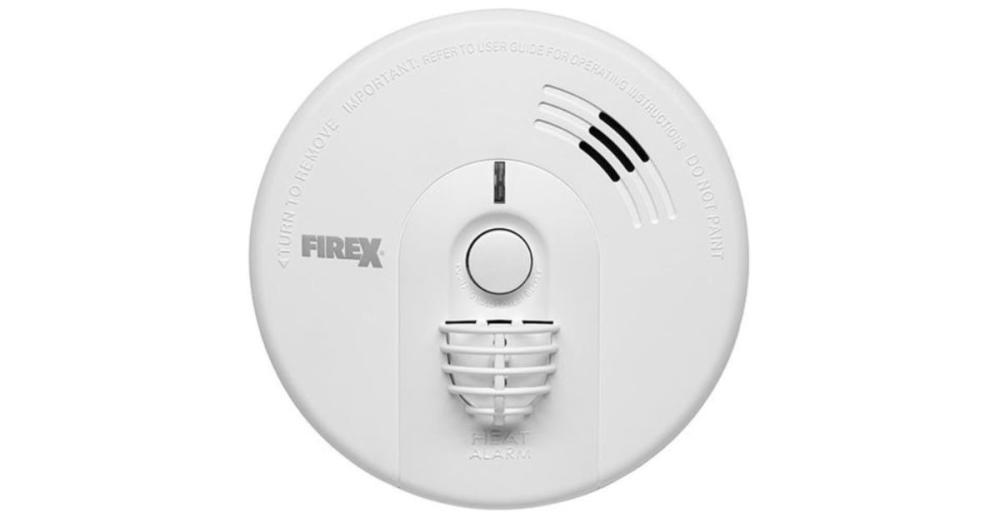
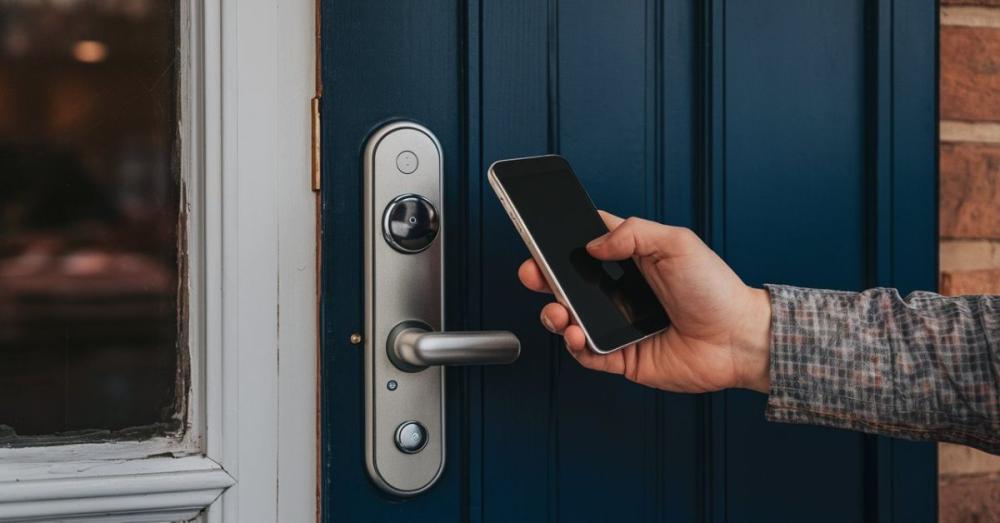
Fire and carbon monoxide detection is the most important safety upgrade in any home. Radio-interlinked alarms talk to each other, so when one alarm sounds, they all do, without new cables between rooms. Our alarm systems include the Hispec radio frequency mains smoke detector and matching RF heat and carbon monoxide alarms. In Scotland, interlinked smoke and heat alarms have been required in all homes since February 2022.
Smart cameras and video doorbells add remote viewing and alerts. If you add one, plan for a good Wi-Fi signal and a suitable power supply. A weatherproof smart outdoor socket can power outdoor kit, and if you prefer a simple wired chime, see our wired doorbell guide.
Smart EV chargers
In Great Britain, home and workplace EV chargers sold since 2022 must have smart functions, such as scheduled charging and the ability to respond to the grid. A smart charger can also schedule charging for cheaper off-peak rates. Browse our EV chargers:
- The GARO Entity 7.4kW socket charger with load management offers app monitoring and control, with RFID, 4G, Wi-Fi and LAN connectivity.
- The BG SyncEV Wall Charger 2 7.4kW is tethered, with Wi-Fi and Ethernet as standard and an integrated solar charge mode.
An EV charger needs a dedicated circuit and must be installed by a qualified electrician. See our guide to the best EV chargers for home.
What about smart speakers, hubs, locks and appliances?
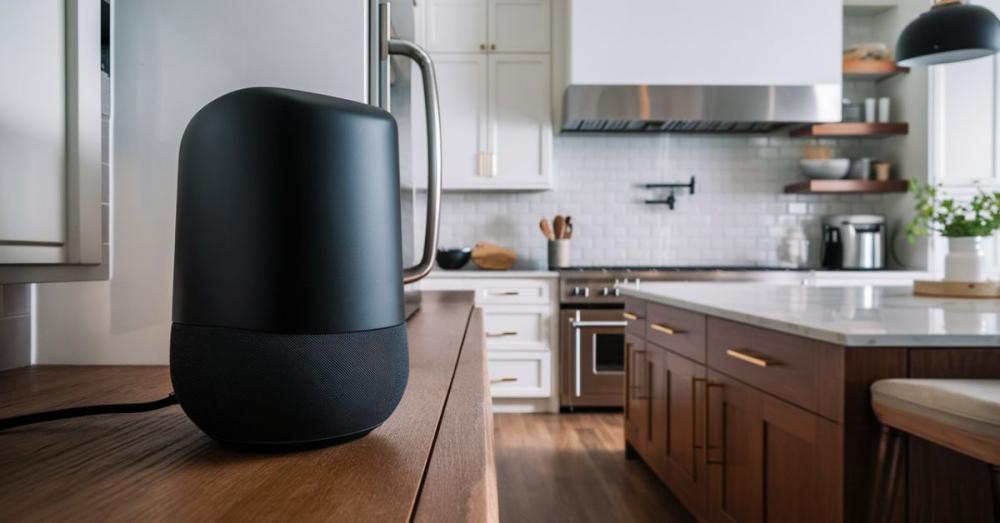
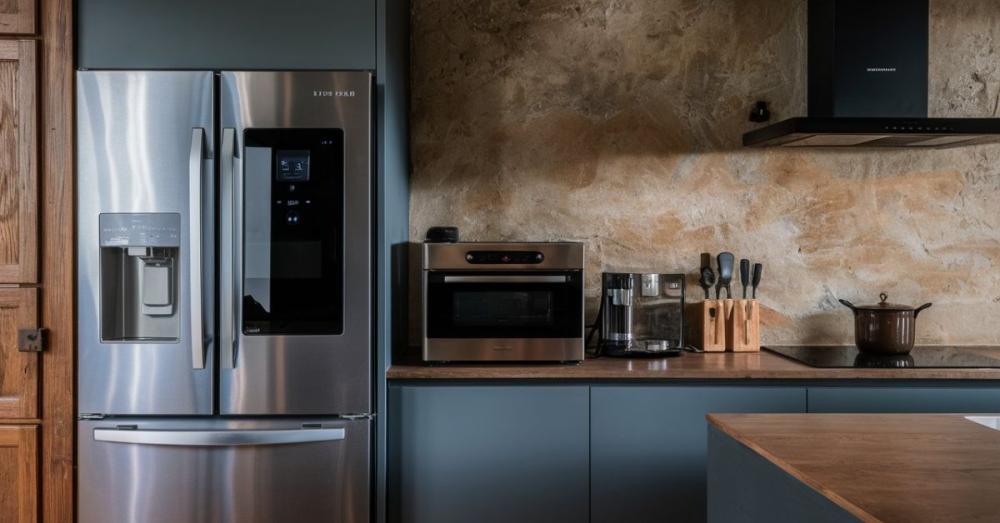
Smart speakers and displays are the voice control centre of many homes, and some also act as a Zigbee or Thread hub. A separate hub is only worth adding if your devices need one. Smart locks and connected kitchen appliances can be useful, but check app support, battery backup and security updates before you buy.
Which devices can you install yourself?
Plug-in devices are DIY friendly. Anything connected to fixed wiring should be fitted by a competent person and meet BS 7671 (I.S. 10101 in Ireland).
| Device | Plug-in or hardwired? | Who should fit it? |
|---|---|---|
| Smart plug or extension lead | Plug-in | Anyone |
| Smart bulbs and lamp kits | Plug-in to an existing lampholder | Anyone |
| Battery smart TRV | Fits the existing valve body | Usually DIY; check valve compatibility |
| Smart socket, switch or fused spur | Hardwired | Competent person or electrician |
| Smart thermostat or immersion control | Hardwired | Competent person, electrician or heating engineer |
| Smart downlights | Hardwired | Competent person or electrician |
| Wall-mounted smart heater | Plug-in or fused spur, depending on model | Electrician for a fixed connection |
| EV charger | Hardwired, dedicated circuit | Qualified electrician |
Safety: Isolate the circuit and prove it dead before replacing any switch, socket or control. New circuits, such as an EV charger supply, can be notifiable under Part P in England and Wales, and controlled work in Ireland needs a Registered Electrical Contractor. If in doubt, use a qualified electrician.
Key takeaways
- Start with devices that solve a real problem: smart plugs, heating controls and lighting are the easiest wins.
- Smart heating controls, TRVs and smart heaters usually have the biggest effect on comfort and energy use.
- Wi-Fi needs no hub, Zigbee and Thread need a hub or border router, and Matter helps devices work across platforms.
- Radio-interlinked smoke, heat and CO alarms add safety without new cables.
- Smart EV chargers schedule charging for off-peak rates and must be fitted by an electrician.
- Plug-in devices are DIY friendly; hardwired sockets, switches, thermostats and chargers need a competent installer.
Building a smart home that works
The best smart home devices for 2026 are reliable, compatible and genuinely useful. Begin with a smart plug or better heating control, add smart lighting and heaters room by room, make sure your alarms are interlinked, and choose a smart EV charger if you drive electric. Check which app and network each device uses, and leave hardwired work to a qualified electrician.
Shop smart home and smart heating
Smart plugs, sockets, heating controls, heaters, lighting and EV chargers from Knightsbridge, Secure, ATC, Selectric, GARO and more. Trade prices, next working day delivery across NI & ROI on in-stock orders before 5pm.
Shop smart home Shop smart heatersNeed help choosing? Call our team on 028 8675 1515 (048 from ROI), Monday to Friday, 8am–5pm.
FAQs
What are the best smart home devices for 2026?
For most UK homes, the most useful smart home devices are smart plugs and sockets, smart heating controls, smart heaters or radiators, smart lighting, interlinked alarms and, if you drive electric, a smart EV charger. Start with whatever solves a real problem, such as heating control or switching hard-to-reach appliances.
What is the best smart home device for beginners?
A smart plug is the easiest place to start. It plugs into an existing socket, connects to your Wi-Fi and lets you switch, schedule and often monitor a lamp or appliance from an app or a voice assistant. There is no wiring, so you can set it up in minutes.
Do I need a hub for smart home devices?
Not always. Wi-Fi devices connect straight to your router, and Bluetooth devices pair with your phone or a remote. Zigbee, Z-Wave and Thread devices need a hub, bridge or border router, although some smart speakers and routers have one built in. Check what each device needs before you buy.
What is the difference between Wi-Fi, Zigbee and Matter?
Wi-Fi and Zigbee are ways devices communicate: Wi-Fi uses your router, while Zigbee is a low-power mesh that needs a hub. Matter is a standard that sits on top of networks such as Wi-Fi and Thread, so certified devices work across Apple Home, Google Home, Alexa and other platforms.
Which smart home devices save the most energy?
Heating is the biggest energy use in most UK homes, so smart heating controls, room-by-room TRVs and smart electric heaters usually make the most difference. Smart plugs and lighting help with smaller loads. Savings depend on your home, tariff and habits, so use schedules and energy monitoring to see what works.
Do smart switches and sockets need an electrician?
Smart plugs and plug-in extension leads do not. Hardwired smart sockets, switches, fused spurs, thermostats and EV chargers connect to fixed wiring, so they should be fitted by a competent person to BS 7671. Many smart light switches also need a neutral at the switch, so check before you buy.