
Smart Switch Installation Guide Checklist: Neutral Wire & Load Checks, Pairing Steps, and Common Snag Fixes
Smart Switch Installation Guide Checklist: Neutral Wire & Load Checks, Pairing Steps, and Common Snag Fixes
Smart switches are now a standard upgrade on refurb and maintenance work, because customers expect app control, schedules, and reliable manual override. This smart switch installation guide is a job-ready checklist covering neutral wire checks, load checks, pairing, and the snag fixes that prevent repeat visits. It’s aimed at electricians and facilities teams who want a consistent commissioning process across homes, offices, and mixed-use sites.
Smart Switch Installation Guide: Pre-Install Checklist
Neutral Checks - Why Many Smart Switches Need It
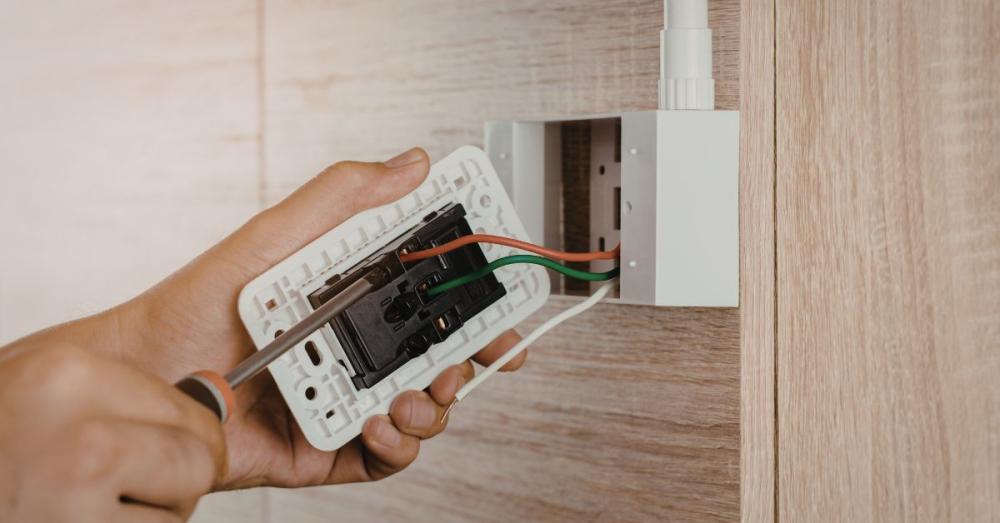
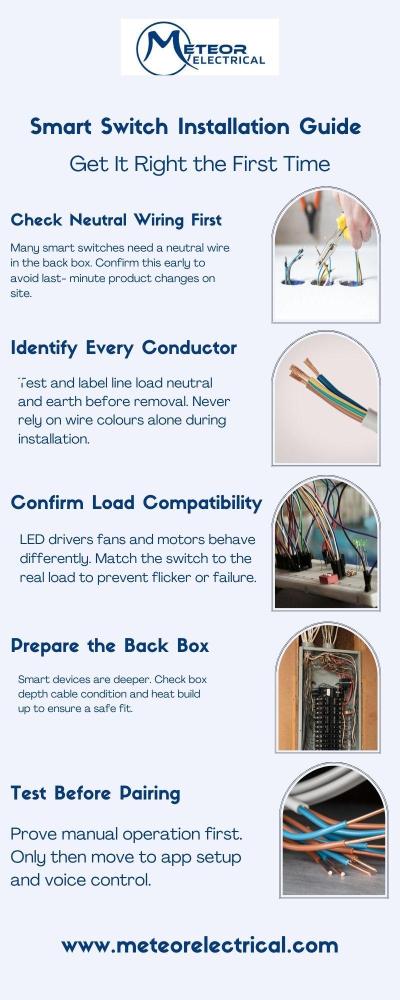
Many smart switches need a neutral connection to power their electronics, even where the old mechanical switch did not. In plain terms, you are checking whether neutral is actually present in the switch back box, not only at the ceiling rose.
Practical tip: if you only have permanent live and switched live at the switch, plan your product choice accordingly before you start. That one check saves the most time.
Identifying Conductors & Terminals - Line, Switched Line, Neutral, Earth/Ground
Before you disturb terminations, label and photograph. Then verify each conductor by testing, not colour:
- Line (permanent live) to COM or L
- Switched line to LOAD or L1
- Neutral to N (if the device needs it)
- Earth continuity and correct termination (especially on metal plates)
Back Box Depth, Cable Condition, and Heat/Derating Considerations
Smart devices are often deeper than standard accessories, so check box depth and conductor condition early. If the back box is cramped, the most common outcome is pinched insulation, strained terminals, and intermittent faults. Also consider heat and derating when switching to higher loads in tight spaces.
Load Checks: LEDs, Inductive Loads, Minimum Loads & Multi-Way Switching
Confirm the Controlled Load Type - LED Driver vs Incandescent vs Fan/Motor
Treat the load as part of the specification. LEDs with drivers can behave very differently from incandescent lamps, and fans or motors add inductive characteristics that some smart controls do not like.
If the circuit has recently been “upgraded to LED”, assume compatibility is unproven until you test it.
Minimum Load And Flicker Issues - What Causes Shimmer/Ghosting and How To Avoid It
LED flicker, shimmer, or a faint glow when “off” usually points to leakage current, an incompatible driver, or a minimum-load issue. Typical fixes are:
- Choose a switch designed for low-watt LED loads
- Add a compatible bypass only where the manufacturer recommends it
- Swap to a known compatible lamp or driver
Using high quality switches and sockets helps, but the load still has to be compatible.
1-Way Vs 2-Way vs Intermediate Circuits
Before disconnecting anything, confirm whether it is a 1-way, 2-way, or intermediate circuit. If it’s multi-way, decide up front whether you are using a master and companion arrangement or converting the switching method.
Quick site best practice: sketch the circuit and mark the common and travellers. It reduces “mystery wiring” time during fault finding.
Source - Sparks Electrical
Installation & Pairing Workflow: Fit, Power-Up, App Setup, And Voice Assistants
Wiring Sequence Checklist - Label, Photograph, Terminate, Strain Relief, Refit
A simple commissioning checklist avoids most call-backs:
- Isolate, lock off, prove dead
- Label conductors and photograph terminations
- Terminate firmly with no exposed copper
- Dress cables so the plate sits without force
- Refit with no strain on terminals
Power-Up Tests - Local Manual Control First, Then App Control
After refitting, test the local manual control first. If manual switching is unstable, stop and re-check line, load, and neutral, because pairing will not fix an electrical issue.
Once local behaviour is correct, move to app setup and voice assistant linking.
Pairing Basics by Protocol: Wi‑Fi Vs Zigbee/Z‑Wave Vs Bluetooth
Pick the protocol to suit the site. Wi‑Fi is convenient but depends on coverage and credentials, while Zigbee or Z‑Wave often use a home automation hub and can be steadier at scale due to mesh behaviour. Bluetooth can be useful for short-range control, but it is rarely the best choice for whole-building reliability.
Buy Smart Switches Online - Meteor Electrical’s Top Picks
A lot of teams shortlist products before arriving on site, especially when comparing electrical sockets and switches suppliers for availability and consistency. If you want quick retrofits without chasing cables, kinetic options are worth a look.
1. Retractive Kinetic On-Off Switch w/ Insert Selectric White
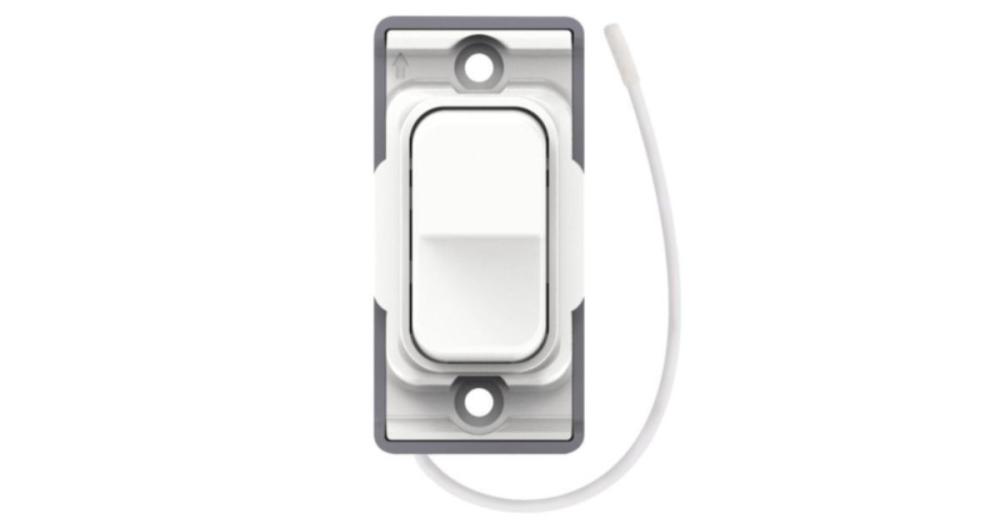
A clean, wireless on-off solution for retrofits where you want control points without battery changes.
Key features:
- Self-powered operation
- Indoor range: 30 m
- Outdoor range: 70 m
- IP rating: IP42
- 5-year warranty
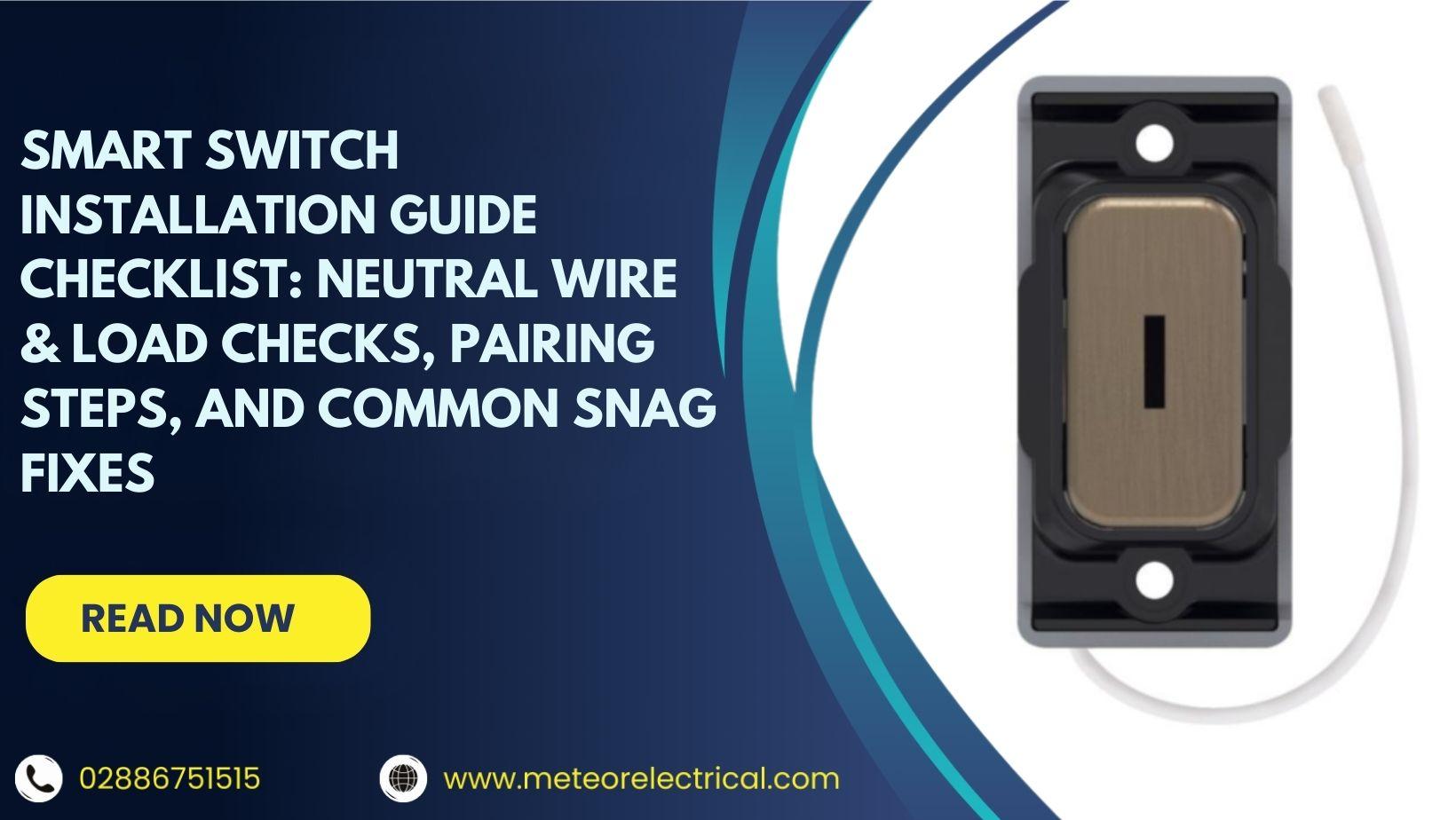
2. Retractive Kinetic On-Off Key Switch w/ Black Insert Selectric Switches Antique Brass
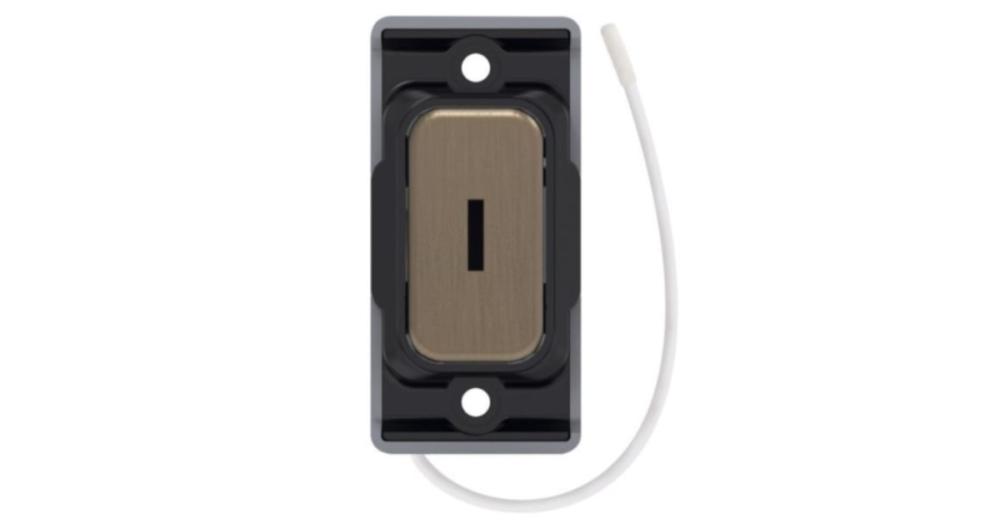
A keyed kinetic switch for areas where you want more controlled operation with a premium finish.
Key features:
- Self-powered operation
- Indoor range: 30 m
- Outdoor range: 70 m
- Material: Urea
- IP rating: IP42
3. Kinetic SKIN-3 Wireless Fob Switch Selectric
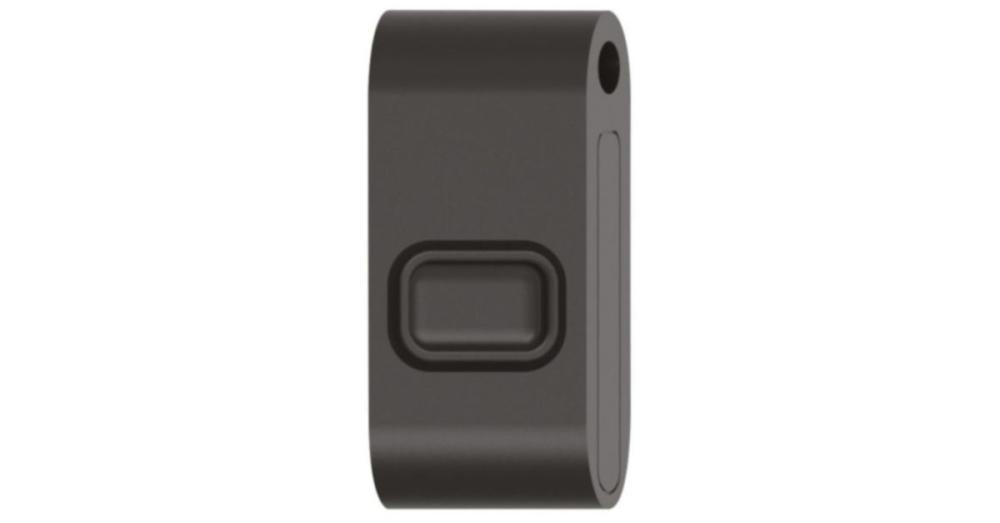
A compact fob controller for flexible switching and quick handover to maintenance teams.
Key features:
- Indoor range: 15 m
- Outdoor range: 40 m
- IP rating: IP65
- Compact size for pockets and keyrings
Conclusion
Use this smart switch installation guide as your on-site filter: confirm neutral wire presence, match the control to the real load, prove manual operation, then pair and document the setup. For outdoor locations, keep it simple: IP44 for sheltered positions, IP65 for exposed general outdoor use, and IP66 for washdown or harsher exposure.
When you’re ready to standardise your installs and want reliable support from a leading wholesale electrical sockets and switches supplier UK, Meteor Electrical offers a dedicated range of smart switches and sockets from top brands such as Knightsbridge and Selectric.
Explore the smart home range and buy smart switches online with confidence at Meteor Electrical today!
FAQs
1. Do smart switches need a neutral wire in the switch back box?
Many do. Check the back box before you buy, because neutral at the fitting does not guarantee neutral at the switch.
2. Why does my smart switch flicker or keep the LED lamp glowing when “off”?
It’s usually LED driver compatibility, leakage current, or a minimum-load issue. Try a compatible lamp/driver first, then consider a manufacturer-approved bypass if needed.
3. What’s the safest way to verify my load won’t overload a smart socket or smart plug?
Confirm the device rating and measure the appliance draw if it’s uncertain. Leave headroom, especially for appliances with a startup surge.
4. Why won’t my smart switch pair with the app or keeps dropping offline (Wi‑Fi vs Zigbee/Z‑Wave)?
Wi‑Fi issues tend to be coverage, credentials, or router settings. Zigbee/Z‑Wave issues are often hub setup and mesh strength, so check hub placement and repeaters.
5. Can I use smart switches on 2-way lighting circuits (and what should I check first)?
Yes, but identify whether it’s 2-way or intermediate before you disconnect anything. Label, photograph, and plan the control method so you do not lose switching logic mid-install.
Key Takeaways:
- Follow a smart switch installation guide checklist: isolate, identify conductors, terminate neatly, then commission.
- Check for a neutral in the back box early, because many smart switches need it.
- Match the device to the load (LED drivers, motors, mixed loads) to avoid flicker, glow, and trips.
- Prove local/manual switching first, then pair to the app, add voice control, and set schedules.
- When you buy smart switches online, filter by protocol and hub needs, and prioritise high quality switches and sockets to cut call-backs.